Blog
Robot Vision: ROSifying a YOLO Pipeline
Note: This course assumes you are using Ubuntu as the operating system. If you are using Windows or Mac, you can install Ubuntu in a virtual machine, a process not covered in this article.
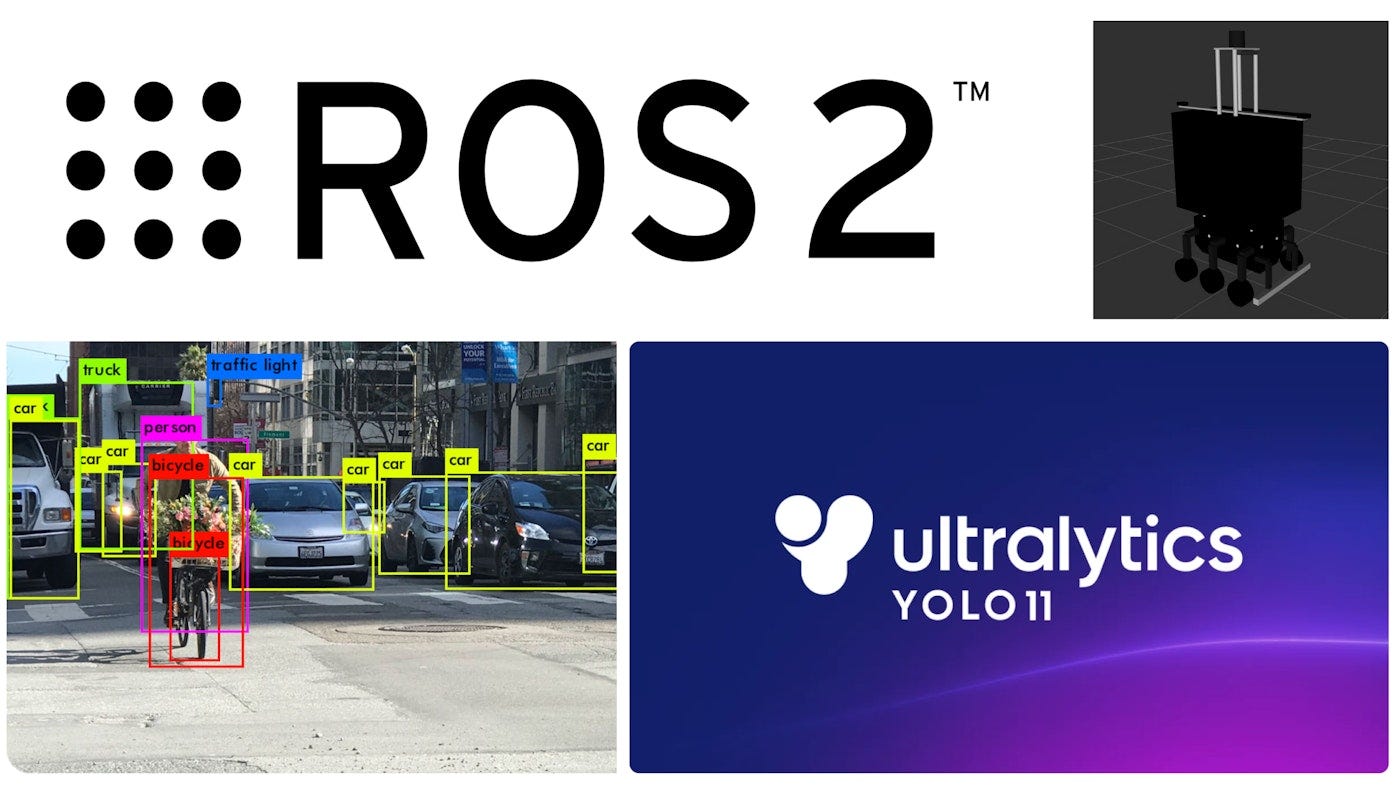
This short, project-based course takes you through the process of transforming a standard YOLO object detection script into a fully functional ROS 2 vision pipeline.
You will learn how to integrate computer vision models into robotic systems by exploring the core concepts of nodes, topics, publishers, and subscribers, while gaining a deeper understanding of how ROS 2 handles image data and real-time processing.
By the end of the course, you will have built your own ROS 2 vision node capable of detecting and publishing recognized objects, ready to plug into larger robotics projects.
This course is designed to be hands-on, practical, and fast-paced — perfect for anyone who wants to strengthen their understanding of ROS 2 and computer vision integration in real robots.
Setting Up The Dockerized ROS 2 Environment
The goal of this lesson is to configure a complete, containerized ROS 2 development environment.
By the end, you will have a running Docker container with all project code and dependencies, ready for development in future lessons.
Learning Objectives
After completing this lesson, you will be able to:
- Install essential development tools (git, docker).
- Manage Docker permissions on a Linux machine.
- Clone a Git repository to your local computer.
- Download and manage project data files using wget and unzip.
- Pull pre-built Docker images from Docker Hub.
- Run a Docker container, mounting a local directory as a volume.
- Attach a shell to the container and verify that your local project files are accessible.
Step 1: Install Prerequisites
You must have git and docker installed. We also use wget and unzip to download the project data.
sudo apt-get update && sudo apt-get install -y git docker.io wget unzipImportant: Add your user to the docker group to avoid using sudo for every docker command.
sudo usermod -aG docker \$USERYou must log out and log back in for this change to take effect.
Step 2: Clone the Repository
Clone this project to your local machine and navigate into the directory.
git clone https://github.com/carlos-argueta/rse-yolo-perception-pipeline.git
cd rse-yolo-perception-pipeline
Step 3: Download the Data
Download the ROS 2 bag file for this project. We will place it in the repository root.
"wget" -O linkou.zip "https://www.dropbox.com/scl/fi/tdxin6bzw01siucdv3kgv/linkou-2023-12-27-2-med.zip?rlkey=rcz93bhozjsdymcpn5dqz6rly&st=do015oqz&dl=0"Step 4: Extract the Data
Extract the zip file. This will create the linkou-2023–12–27–2-med folder.
unzip linkou.zipYour project directory should now look like this:
rse-yolo-perception-pipeline/
  ├── ros2_ws/
  ├── dash1.mp4
  ├── LICENSE
  ├── linkou-2023-12-27-2-med/
  ├── linkou.zip
  ├── README.md
  ├── yolo_detector.py
Step 5: Pull the Docker Image
Pull the pre-built project image from Docker Hub.
docker pull s1s2ai/rse-yolo-perception-pipeline:cpuStep 6: Run the Container and Verify Setup
Launch the container and mount your local project directory into the /workspace folder inside the container.
xhost +local:docker # authorize GUI
docker run -it --rm \
     --name yolo_dev_cpu \
     -e DISPLAY=\$DISPLAY \
     -v /tmp/.X11-unix:/tmp/.X11-unix:rw \
     -v \$(pwd):/workspace \
     s1s2ai/rse-yolo-perception-pipeline:cpu
Your terminal prompt will change to something like:
root@...:/workspace/ros2_ws#
As specified in the Dockerfile, your shell has landed inside the /workspace/ros2_ws directory.
To confirm that your local files are correctly mounted, list the contents:
ls -lYou should see the src directory from your local project:
root@...:/workspace/ros2_ws# ls -l
total 4
drwxr-xr-x 3 root root 4096 Nov 5 12:00 src
Congratulations
Your environment is now fully set up and ready for development.
In the next lesson, we will explore a simple YOLO Python script and start building the perception pipeline.
Anatomy of a Standalone YOLO Script
In this lesson, we’ll take a look at a standard YOLO object detection script running in Python. You’ll see how the model processes video frames, detects objects, and displays annotated results in real time. This will help you understand how YOLO operates before we turn it into a ROS 2 node in the next lesson.
Learning Objectives
After completing this lesson, you will be able to:
- Understand the structure of a basic YOLO detection script in Python.
- Run object detection on a sample video and visualize the results.
- Recognize the limitations of a standalone detection script for robotics applications.
Understanding the ROS 2 Graph — From Playback to Perception
In this lesson, we explore one of the most powerful ideas in ROS 2: the computational graph. You’ll see how data flows between nodes through topics, and how we can use tools like rosbag, RViz, and rqt_graph to visualize and understand that flow.
We’ll begin by replaying a rosbag to simulate sensor data — showing how even recorded data behaves like a live publisher in ROS 2. Then, we’ll view this data in RViz, inspect how nodes connect through topics in rqt_graph, and finally introduce our first version of the YOLO detection node. This node will subscribe to camera data and display its detections in real time, laying the foundation for our full vision pipeline.
Learning Objectives
- Understand the structure of the ROS 2 computational graph (nodes, topics, publishers, and subscribers).
- Use a rosbag to simulate real sensor data and visualize it in RViz.
- Interpret connections between nodes using rqt_graph.
- Launch and observe a simple YOLO node subscribing to a camera topic.
- Recognize how this replaces direct video input with ROS-based data streams for real robotic perception.
Turning a YOLO Script Into a ROS 2 Node
In the previous lesson, you explored the ROS graph using a real rosbag: you replayed camera data, inspected topics with _rqt_graph_, and saw how our YOLO detector subscribed to images and published annotated output. Now it is time to look under the hood.
In this lesson, we break down the Python code that transforms a simple YOLO script into a fully functional ROS 2 node. You will see how a class inherits from Node, how a subscriber is created, how incoming Image messages are converted into OpenCV frames, and how YOLO inference fits cleanly into the ROS 2 pipeline you inspected in Lesson 3. By the end, you will understand exactly how the detection node works and how it connects to the broader ROS 2 system.
Learning Objectives
After completing this lesson, you will be able to:
- Understand how a Python class inherits from
Nodeto become a ROS 2 node. - Create a subscriber using
create_subscriptionand process incoming messages. - Convert sensor_msgs/Image into OpenCV images using CV Bridge.
- Run YOLO inference on each incoming frame and generate annotated output.
- Understand how the node from Lesson 3 fits into the ROS 2 graph and interacts with rosbag playback.
Publishing YOLO Detections as ROS 2 Topics
In the previous lesson, our YOLO node performed inference and displayed the results using an OpenCV window. That was great for a first demo, but it is not how real ROS 2 systems operate. In proper robotics pipelines, data flows through topics so that multiple tools and nodes can subscribe, visualize, or process that information.
In this lesson, we will take the first important step toward a production-style perception pipeline. Instead of rendering annotated images directly with OpenCV, we will publish them as ROS 2 messages. This allows us to visualize detections in RViz, integrate them with other nodes, and avoid the limitations of GUI-based windows. Publishing to topics is the recommended pattern in ROS 2, making your system more flexible, scalable, and realistic.
Learning Objectives
By the end of this lesson, you will be able to:
- Modify a Python ROS 2 node to publish annotated images instead of displaying them.
- Publish sensor_msgs Image messages containing YOLO detections.
- Visualize detection results in RViz using your published topic.
- Understand how this change moves the pipeline closer to a real robotics workflow.
Publishing Raw YOLO Detections with vision_msgs
In the previous lesson, our YOLO node published annotated images so we could visualize results in RViz. While that was an important step, annotated images alone are not enough for a real perception pipeline. Robotics systems need structured detection data that downstream nodes can process, track, filter, or fuse with other sensors.
In this lesson, we elevate our YOLO node from a visual demo to a functional perception component by publishing raw detection messages using the vision_msgs package. You will learn how the different message types in vision_msgs are structured—such as Detection2D, Detection2DArray, and ObjectHypothesisWithPose—and how to build them from your YOLO inference results. Once our node publishes these standardized messages, any other ROS 2 node can subscribe and perform meaningful tasks like tracking, scene understanding, or decision making.
Learning Objectives
By the end of this lesson, you will be able to:
- Understand why raw detections must be published for real robotics pipelines.
- Explore the key
vision_msgsmessage types used for 2D object detection. - Convert YOLO inference outputs into
Detection2DandDetection2DArraymessages. - Populate fields such as bounding boxes, class hypotheses, scores, and timestamps.
- Publish raw detection messages on a ROS 2 topic for downstream nodes to consume.
Building a Downstream Node for YOLO Detections
Your YOLO detector is now publishing raw detections using vision_msgs — which means it is finally behaving like a real component in a robotics perception pipeline. But a perception system is only valuable when something uses the detections.
In this lesson, we build a brand-new ROS 2 node whose only job is to subscribe to the raw detection topic and perform a simple downstream task: keeping a running summary of everything the robot detects. This small example demonstrates how real robotics systems chain multiple nodes together — one node detects objects, another interprets them, another makes decisions, and so on.
By the end, you will clearly see how to extend your perception pipeline with custom logic, analytics, or decision-making modules.
Learning Objectives
By completing this lesson, you will be able to:
- Create a brand-new ROS 2 node from scratch for downstream processing.
- Subscribe to a
vision_msgs/Detection2DArraytopic and extract useful information. - Understand the structure of detection messages and how to work with their hypotheses.
- Maintain internal state in a ROS 2 node (e.g., counters or summaries).
- Use ROS 2 timers to perform periodic tasks such as printing summaries or publishing results.
- See how perception pipelines are built by chaining independent ROS 2 nodes.
Also published on Medium.